Arch Linux · Hyprland · Quickshell
Everything starts at the island.
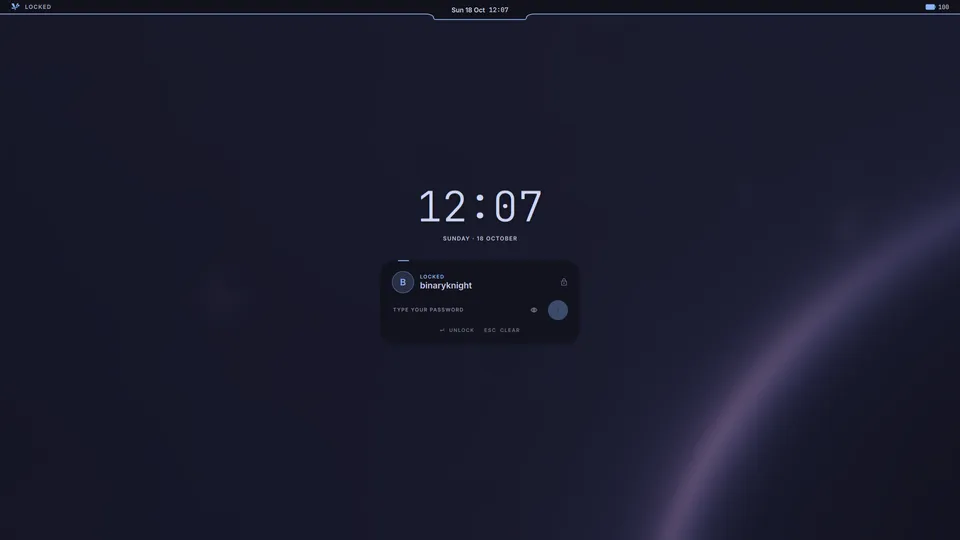
Vyntaris is a desktop operating system built on Arch Linux. The island in the middle of the bar grows into whatever you need: the launcher, the control center, your sound, your music, your updates. One accent colour runs through all of it, from the bar to Firefox to the lock screen.

- Updates that undo themselvesA snapshot before every upgrade, and the way back if one fails.
- Drivers by themselvesGraphics, Wi-Fi, sound and printers, found and installed.
- Rolling, straight from ArchPlain Arch underneath, always current.
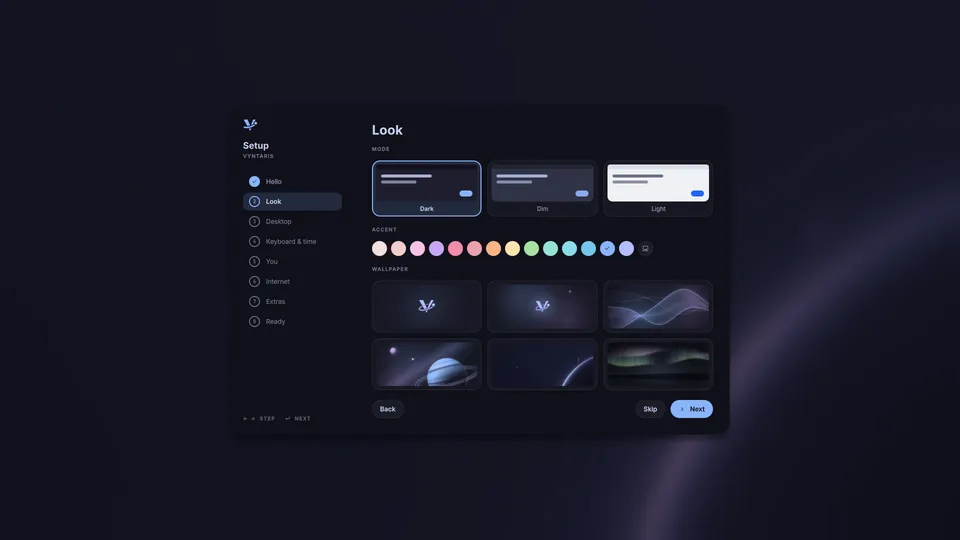
- No setup questionsWho you are and which disk. Ready in minutes.
The island
One place at the top of the screen, every panel you need.
Tap SUPER and the island becomes the control center; start typing and it becomes the search. Each panel opens from the island and goes back into it.
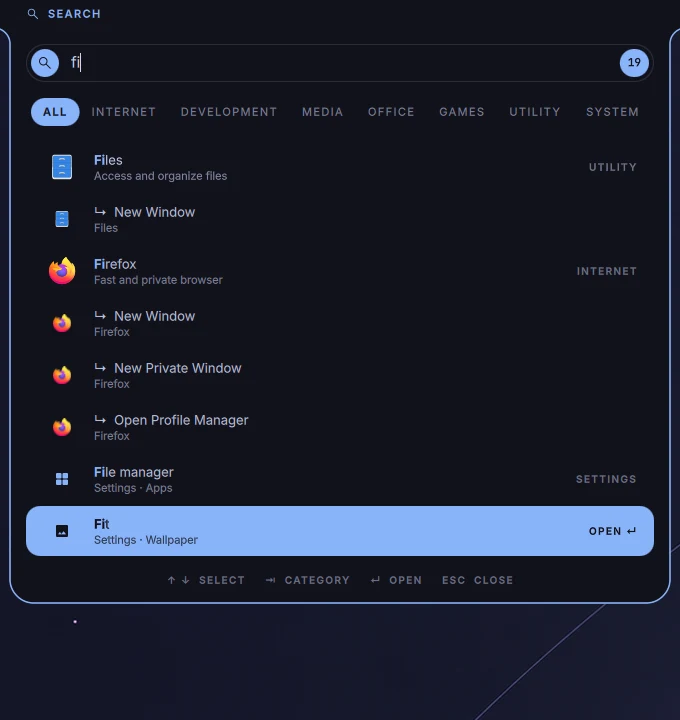
Launcher
Apps, settings, open windows and files. Plain words work as commands: “volume 40”, “100 eur to rsd”.
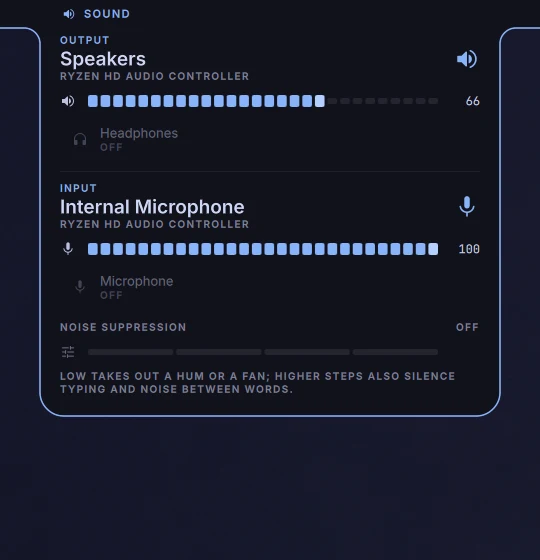
Sound
Speakers, headphones, HDMI and Bluetooth in one list, and noise suppression for the microphone.
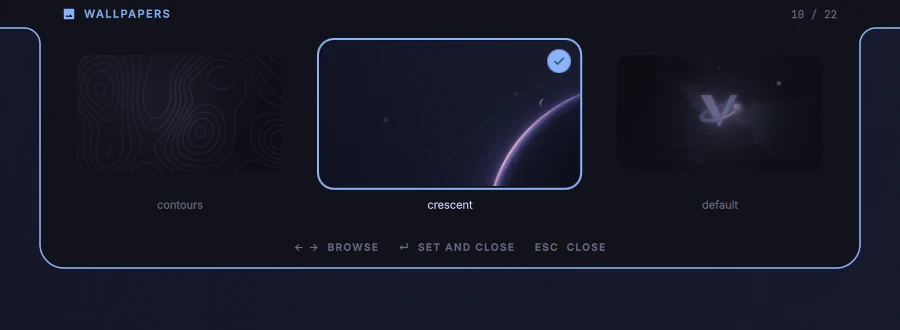
Wallpapers
Under the bar, ← and → to browse, Enter to set. Vyntaris's own are drawn in your accent.
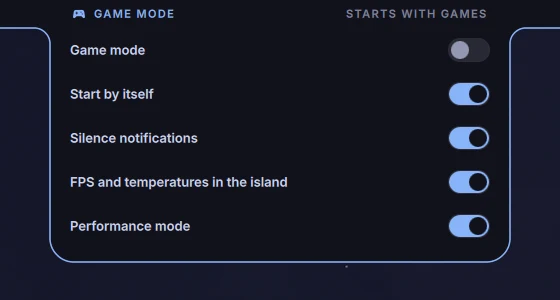
Game mode
Starts with a game: notifications quiet, the FPS and temperatures in the island.
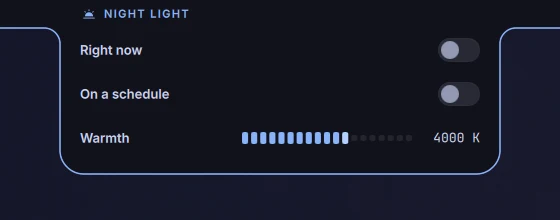
Night light
Warmer colours in the evening, by hand or on a schedule.
Made to be lived in
The small things, already done.
Today
Calendar, weather and the weeks ahead
The control center keeps the month beside today's date, the weather where you are, and a quiet line of the weeks you have left.
Live activities
The island shows what's going on
Downloads, timers, a stopwatch, packages installing, backups. Click an install and the island shows its terminal, progress bars and all.
Privacy
A dot while something listens
When an app uses the microphone, the camera or the screen, a dot lights up in the bar. Its panel says which app, with a button to close it.
Backups
Your folders on your Google Drive
Once a day, at every start or every hour. What you change or delete keeps its last copy there. It sees only what it put there.
Phone
Your phone, paired with KDE Connect
Its battery in the bar, its notifications on the desktop, a shared clipboard, files both ways, and the phone as a touchpad.
Quick Look
Space to look at a file
In the file manager, Space shows pictures, PDFs, videos, music and Office files without opening an app.
Apps of its own
The tools a desktop should come with.
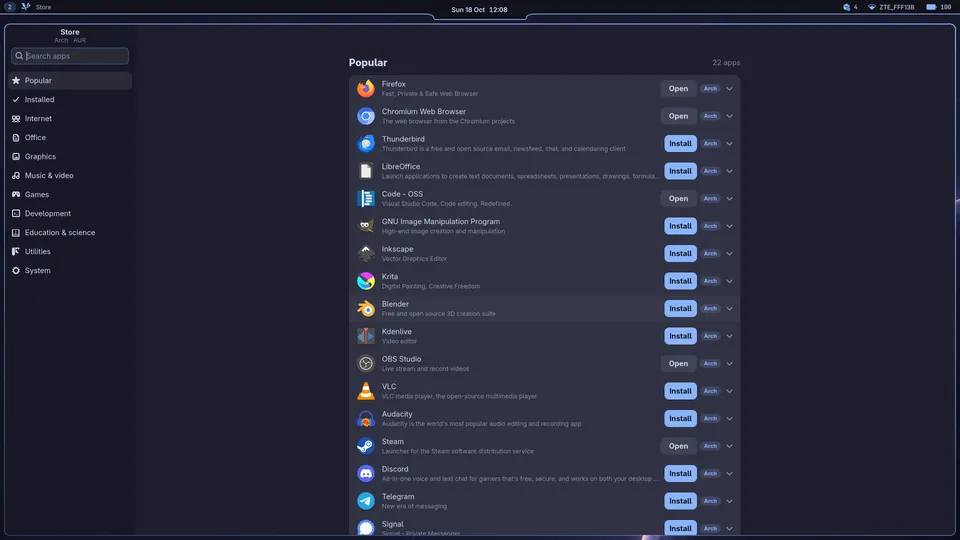
Store
Every app Arch has, one click away
The Store lists every app Arch's repositories describe, in sections, searched as you type, installed and removed with a click. With the AUR on, community recipes are built and installed the same way, no terminal.
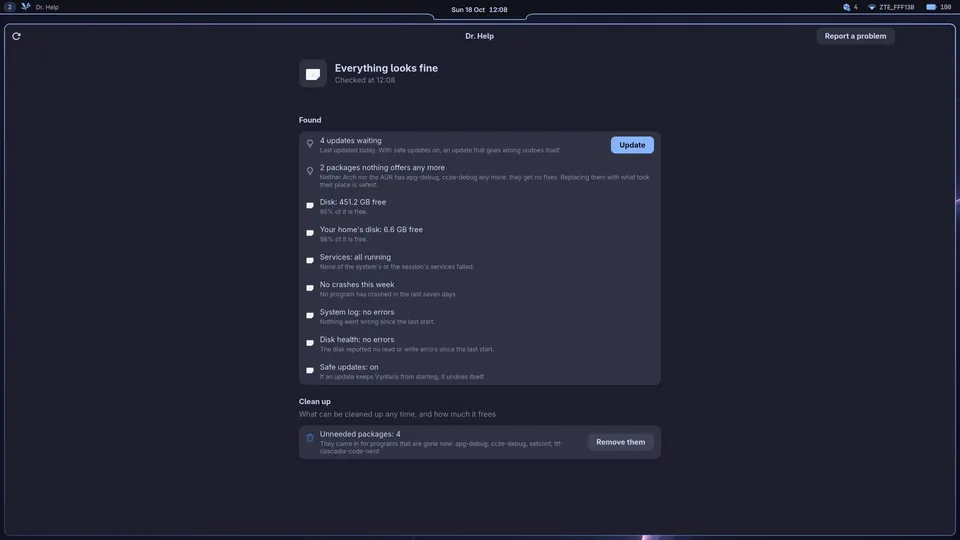
Dr. Help
A check-up, in plain words
Dr. Help looks the system over the way the Arch Wiki's System maintenance asks: failed services, errors in the log, leftover packages, mirrors, firmware, disk health. What it can fix has a button; all of them at once is one password.
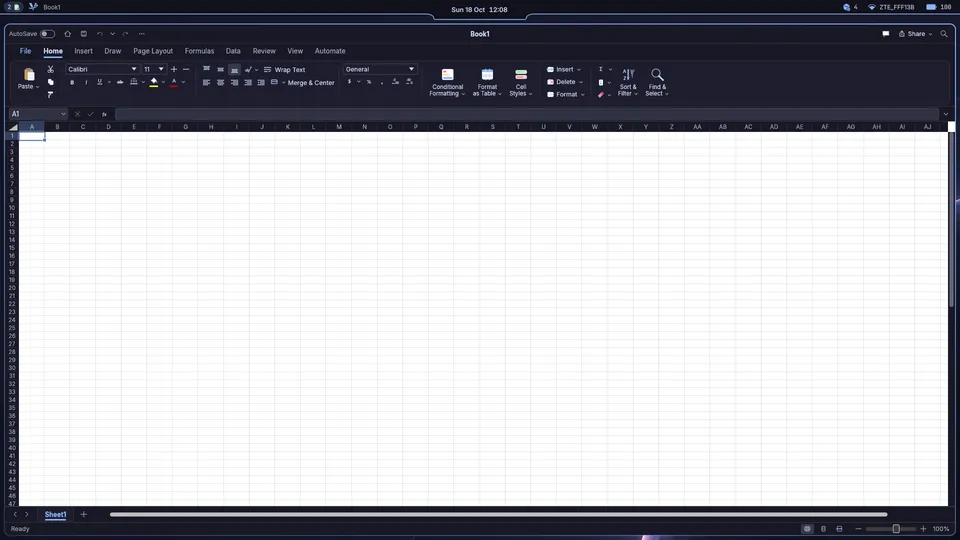
Vyntaris Office
Documents, spreadsheets and slides
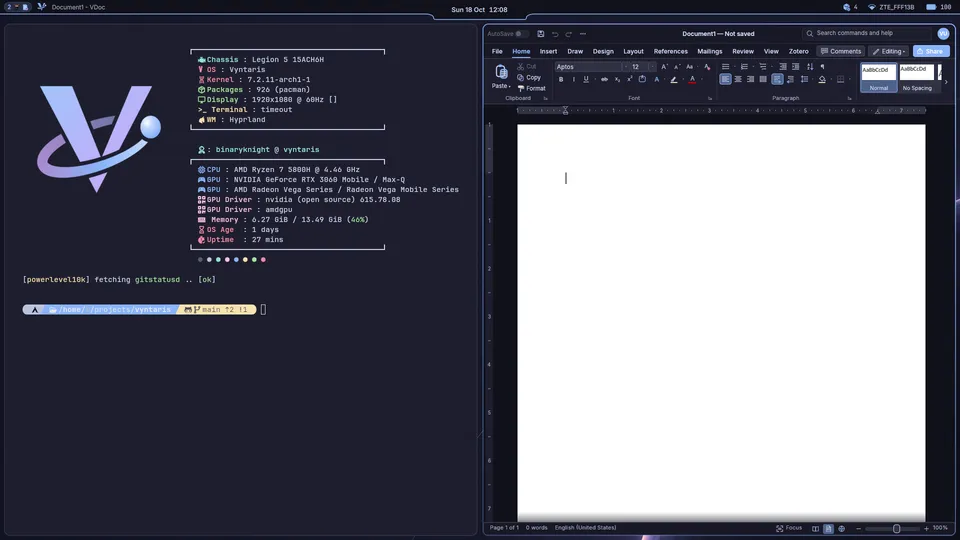
VDoc, VSheet and VSlide open and save Word, Excel and PowerPoint files, password-protected ones too. VSheet computes old workbooks the way Excel does.
Settings
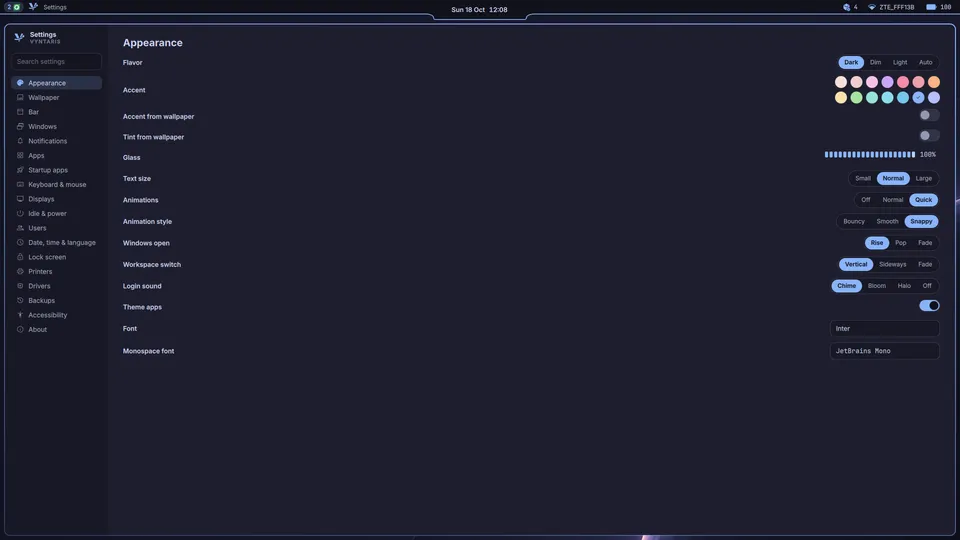
One place for all of it
Every setting in one file, every one found from the launcher by its name. The look, the bar, power, backups, drivers, users and the language.
Under the hood
Arch Linux, looked after.
Vyntaris is a package from its own pacman repository. Underneath it is plain Arch, updated with
pacman -Syu or one click in the island.
update-guard
Updates that undo themselves
A Timeshift snapshot before every upgrade, and a boot entry that goes back to it. If the new system fails to start three times, the old one comes back on its own.
Drivers
Drivers by themselves
Graphics, Wi-Fi, sound, printers and scanners install after each start and when a printer is plugged in. Only the firmware for the hardware you have.
Upkeep
Upkeep on a schedule
The package cache trimmed weekly, SSDs trimmed, Btrfs scrubbed monthly, mirrors kept fast, firmware from fwupd.
Fast
Fast where it matters
Hyprland and Quickshell, the desktop's own tools written in Rust, zram instead of a swap file, the wallpaper drawn without the GPU.
Security
Safe by default
An nftables firewall, signed packages only, and uBlock Origin, Bitwarden and Privacy Badger in Firefox from the start.
Games
Ready for games
Steam with Proton, Lutris, GameMode and MangoHud, set up by typing “set up games” in the launcher.
Download
Install Vyntaris.
One image for every PC with a 64-bit processor and UEFI. It updates itself from then on.
Download the ISO- File
vyntaris-x86_64.iso, the latest release- Checksum
- SHA256SUMS
- Needs
- a 64-bit PC with UEFI, and a USB stick of 4 GB or more
Download the ISO
It has the installer and the whole desktop, so installing works without the internet.
Put it on a USB stick
Copy it to a Ventoy stick, or write it to the stick directly (this erases the stick;
sdXis the stick):sudo dd if=vyntaris-x86_64.iso of=/dev/sdX bs=4M status=progress
Boot it and install
The installer asks who you are and which disk to use, nothing more. Firefox, the file manager, VS Code and the everyday tools come with it.